What is Instagram SEO for wedding planners?
Instagram SEO means writing your profile and posts so they show up when someone searches, inside Instagram and now on Google too. SEO (search engine optimisation) is just the work of matching the words people search with the words on your page. For a wedding planner it comes down to one move: put the phrase couples type, usually "[your city] wedding planner", in the places search engines read. Those are your name field, bio, captions and image alt text.
It's free, it takes about an hour, and most planners skip it. Below: what our own Google data shows, what Instagram itself says about search, and an 8-step setup you can finish today.
Does Instagram SEO matter if I already have a website?
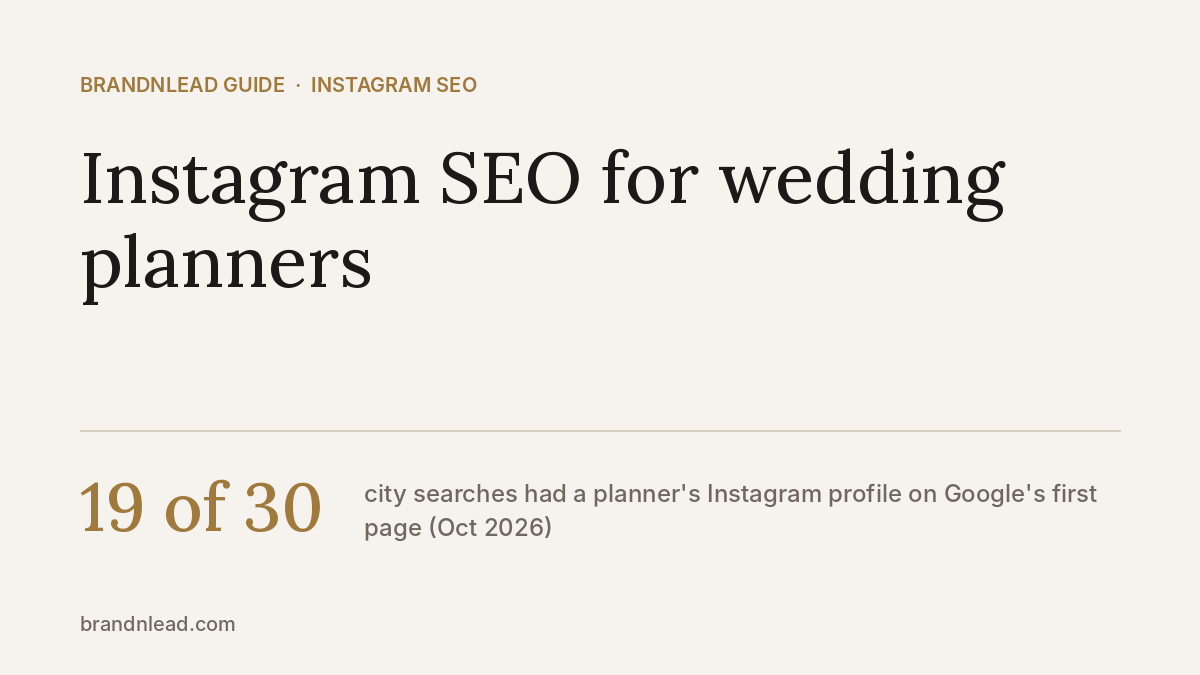
Yes, because planner Instagram profiles now compete for the same Google results as planner websites. On October 18, 2026 we searched "wedding planner" plus a city in 30 US and UK cities and logged every first-page result: 252 in all. Planner Instagram profiles appeared in 19 of the 30 searches, and a profile ranked #1 in 6 of them: Los Angeles, Houston, Dallas, Miami, San Diego and Birmingham.
| Result type | Results (of 252) |
|---|---|
| Planners' own websites | 149 |
| Directory pages | 34 |
| Articles and "best of" lists | 25 |
| Planner Instagram profiles | 22 |
| Reddit threads | 11 |
| Facebook group posts | 7 |
| Job listings | 4 |
Two planners took two spots each. The Planning Lounge ranked #1 for Bristol with its website and #2 with its Instagram; Payton Events ranked #1 for Birmingham with its Instagram and #2 with its website. That's the real prize: a second listing on the same page, for free.
Keep perspective, though. Planners' own websites still took 149 of the 252 results. Instagram is a second shot at page one, not a replacement for your site. The full breakdown is in who ranks for "wedding planner [city]" on Google.
What do the Instagram profiles that rank on Google have in common?
Their name field says what they do and where. 15 of the 22 ranking profiles had the city and "planner" or "coordinator" in the profile name, not just the business name. That matters because Google uses your Instagram name field as the title of the search result. Here is how three of them appeared on Google:
| Search | Position | Google result title |
|---|---|---|
| wedding planner Miami | #1 | Miami Wedding Planner | Rachel (@curatedeventsmiami) |
| wedding planner New York | #2 | NYC & Hamptons Wedding Planner (@ashley.peraino) |
| wedding planner Manchester | #2 | Manchester Wedding Planner (@graceinspringweddings) |
The other 7 profiles didn't use the pattern, so the name field isn't the only factor. It's just the cheapest one to change, and the one you control completely.
How does Instagram search decide what to show?
Instagram's head, Adam Mosseri, set out the official version in 2021: three signals, in this order of importance.
| Signal | What Instagram says | What you control |
|---|---|---|
| 1. The search text | The strongest signal. Words are matched against usernames, bios, captions, hashtags and places. | Use the exact words couples type, in your name, bio and captions. |
| 2. The searcher's activity | Accounts and hashtags a person follows or has visited rank higher for them. | Get couples interacting: replies, saves, DMs, story replies. |
| 3. Popularity | When many results match, clicks, likes, shares and follows break the tie. | Post consistently and make content worth saving (checklists, real weddings, prices). |
The takeaway: Instagram matches by text. It can't guess you're a full-service planner in Austin unless you write those words.
Can Google show my Instagram posts, not just my profile?
Yes, if you have a public professional account. Since July 10, 2025, public photos, videos, carousels and Reels from business and creator accounts run by people aged 18 or over can appear in Google and other search engines. It's switched on by default, and there's a privacy setting to turn it off. Private and personal accounts aren't included.
So the first job is boring but essential: professional account, public, and the search engine setting left on.
Instagram SEO setup for wedding planners: 8 steps
Set aside an hour. Each step ends with something you can check off.
- Choose one phrase. Write down how couples search for you, such as "Austin wedding planner". Type it into Instagram's search bar and note the suggestions that appear; those are searches real people make. Done when: you have one main phrase and one backup (for example "Hill Country wedding planner").
- Rewrite your name field. Put the phrase first, then your business: "Austin Wedding Planner | Your Business". Leave your @username as your brand; changing it breaks old tags and links. Instagram limits how often you can change your name, so write it once, properly. Done when: your profile name contains your city and your service.
- Rewrite your bio in three lines. Line 1: what you do and where ("Full-service wedding planning in Austin + Hill Country"). Line 2: who it's for or your starting price. Line 3: what to do next ("Check dates below"). Bios allow 150 characters, so cut adjectives before you cut the city. Done when: a stranger knows your service and location in one read.
- Point your link at the matching page. Send profile visitors to the page on your website that matches your phrase, such as your Austin planning page, not just your homepage. No city page yet? Our local SEO guide for wedding planners shows how to build one. Done when: the link opens a page that says the same thing as your bio.
- Check the search engine setting. Confirm you're on a professional (business or creator) account, the account is public, and the setting that lets public photos and videos appear in search engine results is on. Done when: you've seen the setting switched on with your own eyes.
- Write captions that can be searched. Put your phrase or a close variation in the first line ("Austin wedding planner notes from a September Hill Country wedding"), tag the venue as the location, and keep 3 to 5 specific hashtags in the caption. Instagram says keywords and hashtags belong in the caption, not the comments, if you want posts to show in search. Done when: your next 3 posts follow this.
- Add alt text to every image. Before sharing, open Advanced settings and write alt text: describe the photo first, then name the place naturally ("Bride and groom under an oak tree at a Hill Country ranch wedding near Austin"). It's the same rule as alt text on your website. Done when: no new post goes out with Instagram's automatic description.
- Say it in your Reels. Say your phrase out loud and show it as on-screen text in the first few seconds. This one is common practice among Instagram educators rather than something Instagram has documented, but it costs nothing. Done when: your next Reel names your city and service on screen.
Name-field and bio templates for wedding businesses
Swap in your own city, region and business name. Keep the search phrase first; it's what Google shows first.
| Business | Name field | Bio line 1 |
|---|---|---|
| Full-service planner | [City] Wedding Planner | [Business] | Full-service wedding planning in [City] + [Region] |
| Day-of coordinator | [City] Wedding Coordinator | [Business] | Month-of coordination for [City] couples |
| Destination planner | [Destination] Wedding Planner | [Name] | Weddings in [Destination], planned from [Home city] |
| Luxury planner | Luxury [City] Wedding Planner | [Business] | Planning and design for weddings from $[minimum] |
| Wedding venue | [Venue] | [Town] Wedding Venue | [Style] wedding venue in [Town], [State]. Tours by appointment |
| Photographer | [City] Wedding Photographer | [Name] | Wedding photos in [City] and wherever you're going |
| Florist | [City] Wedding Florist | [Business] | Wedding and event flowers across [Region] |
What Instagram SEO won't do
- It won't replace your website. Websites took 149 of 252 results in our city check. And when we asked ChatGPT and Gemini to recommend planners in 10 cities, 31 of the 34 answers that showed sources linked planners' own websites.
- It won't win a broad term. "Wedding planner" with no city is out of reach for almost every account. City plus service is where profiles win.
- It won't work on a private or personal account. Google only gets public content from professional accounts.
- It isn't instant. Google has to recrawl your profile before a new name shows. Make the change, then check your city search again in a few weeks.
10-minute Instagram SEO audit
Open your profile on your phone and go down the list. Anything that doesn't match the right-hand column is your to-do list.
| Check | Pass looks like |
|---|---|
| Name field | City + service + business name |
| Username | Your brand, unchanged if you have history |
| Bio line 1 | Service and city in plain words |
| Profile link | The matching city or service page on your website |
| Account type | Professional (business or creator), public |
| Search engine setting | On |
| Last 9 captions | Phrase or variation in the first line of most |
| Alt text | Written by you, not automatic |
| Location tags | Venue or city tagged on real-wedding posts |
| Hashtags | 3 to 5 specific ones, in the caption |
Want the same work done on your website?
Instagram is one place couples find you. Your website is where most of them decide. If you'd rather not do the website side yourself, see how we handle SEO for wedding planners. We don't promise rankings; we show you the data every month.